Trading tips, NinjaTrader guides, and product updates from Wizdough.
Your strategy moves its stop every bar, the order shows the right stop price, and the backtest still fills it dozens of ticks away. Two causes to check are missing tick data under High order fill resolution and a stop that changed between revisions. How to check each one in NinjaTrader 8.
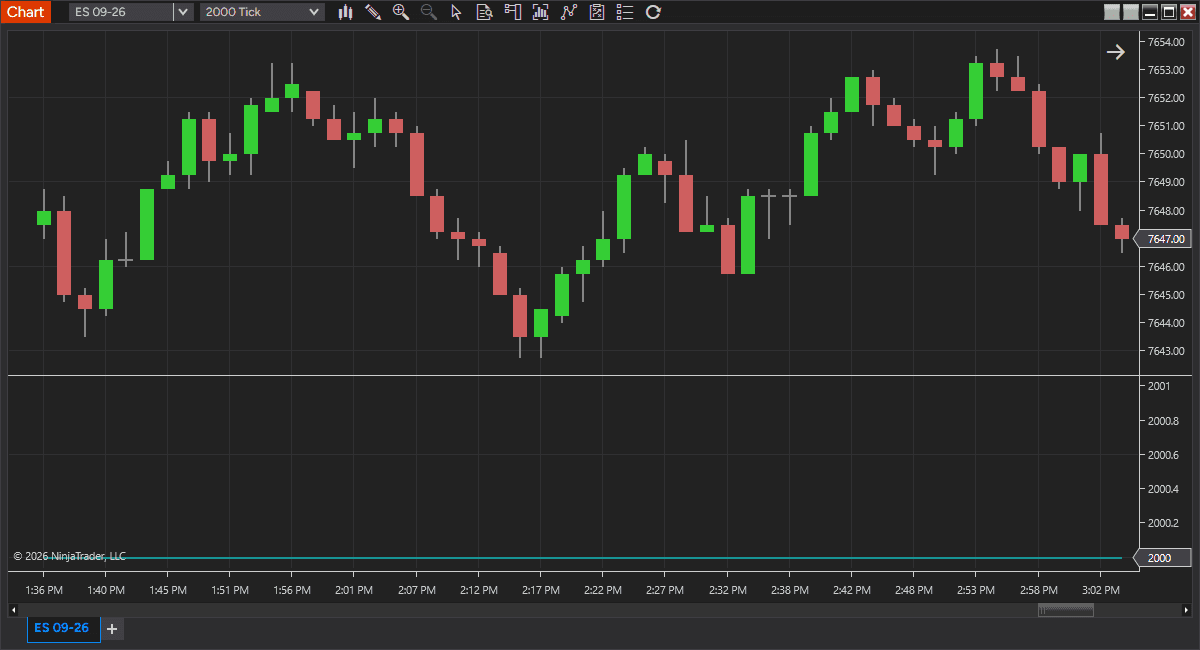
Does a tick chart show volume? A NinjaTrader Tick bar closes after a set number of trades, not contracts. What tick chart volume really tells you, when Volume bars answer the question better, and why the VOL indicator still has a job.
Daylight saving time ends a week apart in the UK and the US. ES keeps trading on Central time, so the New York open stays at 09:30 Eastern, but traders outside the US see it an hour early this week. What moves, what doesn't, and where NinjaTrader keeps the times.
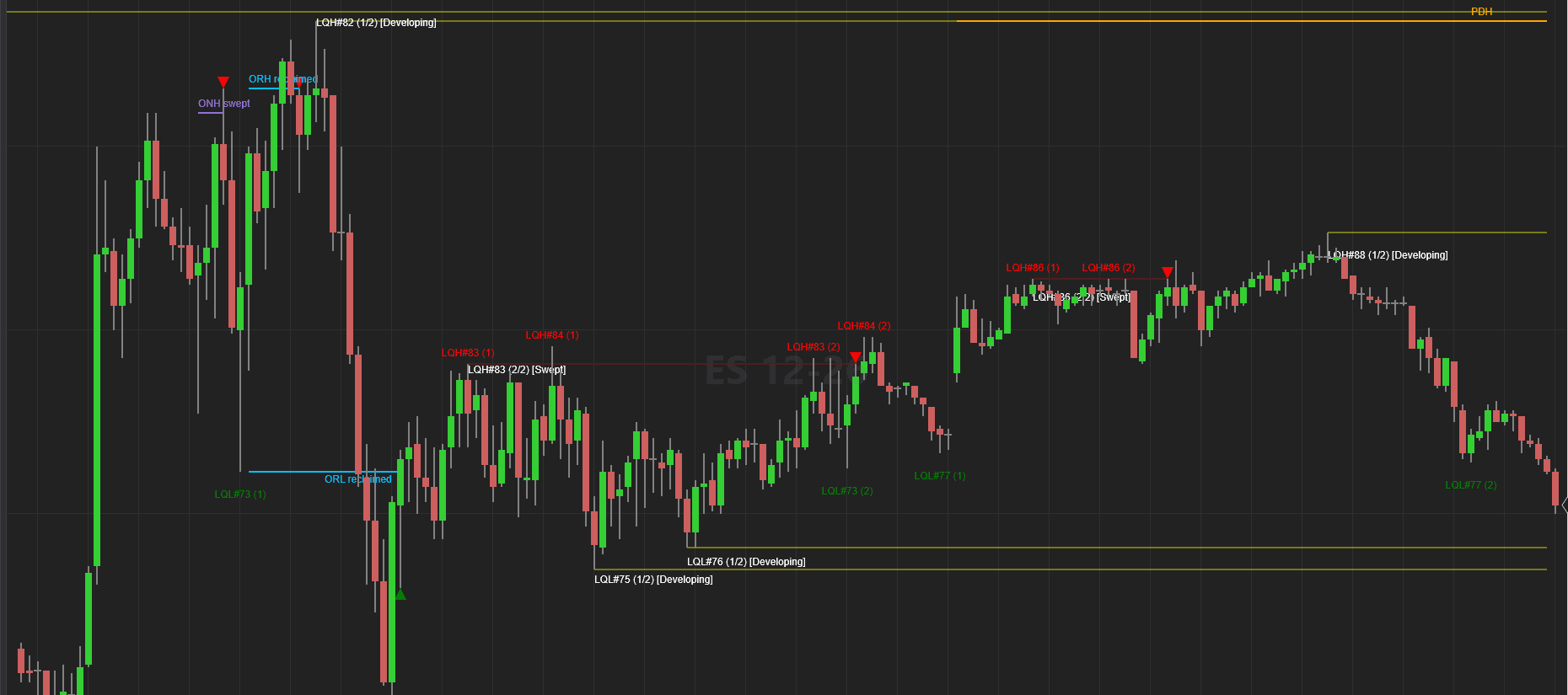
A liquidity sweep and a liquidity run start with the same move: price trades through a level where stops rest. The close of the bar tells them apart. How to read that close on a NinjaTrader chart, and what a liquidity sweep indicator can and can't decide for you.
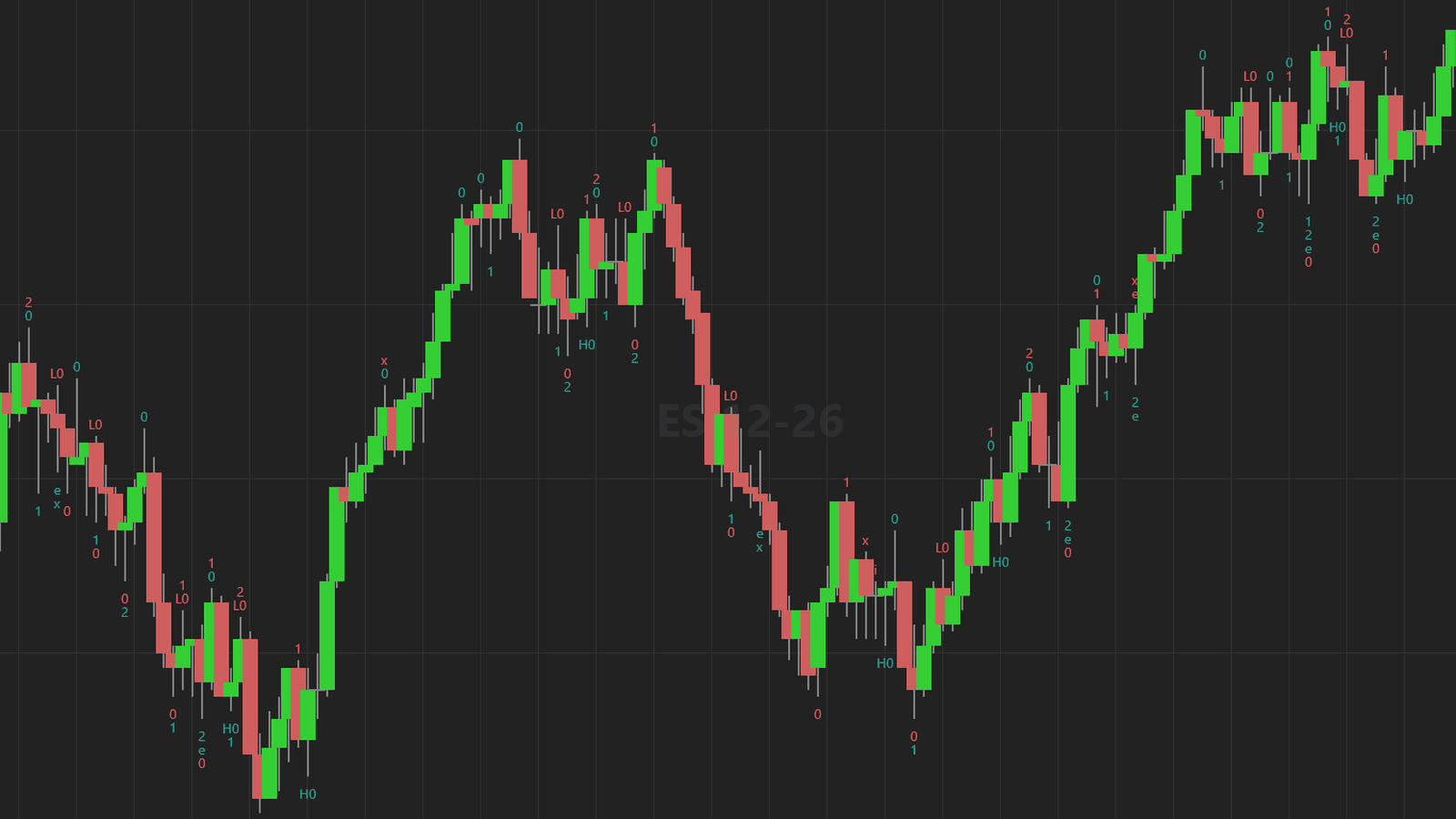
A second entry is a pullback setup in a trend. In a trading range there is no trend to pull back in, so the same two pushes mean something else. How to tell a trend from a range before you take the trade, and what to do instead.
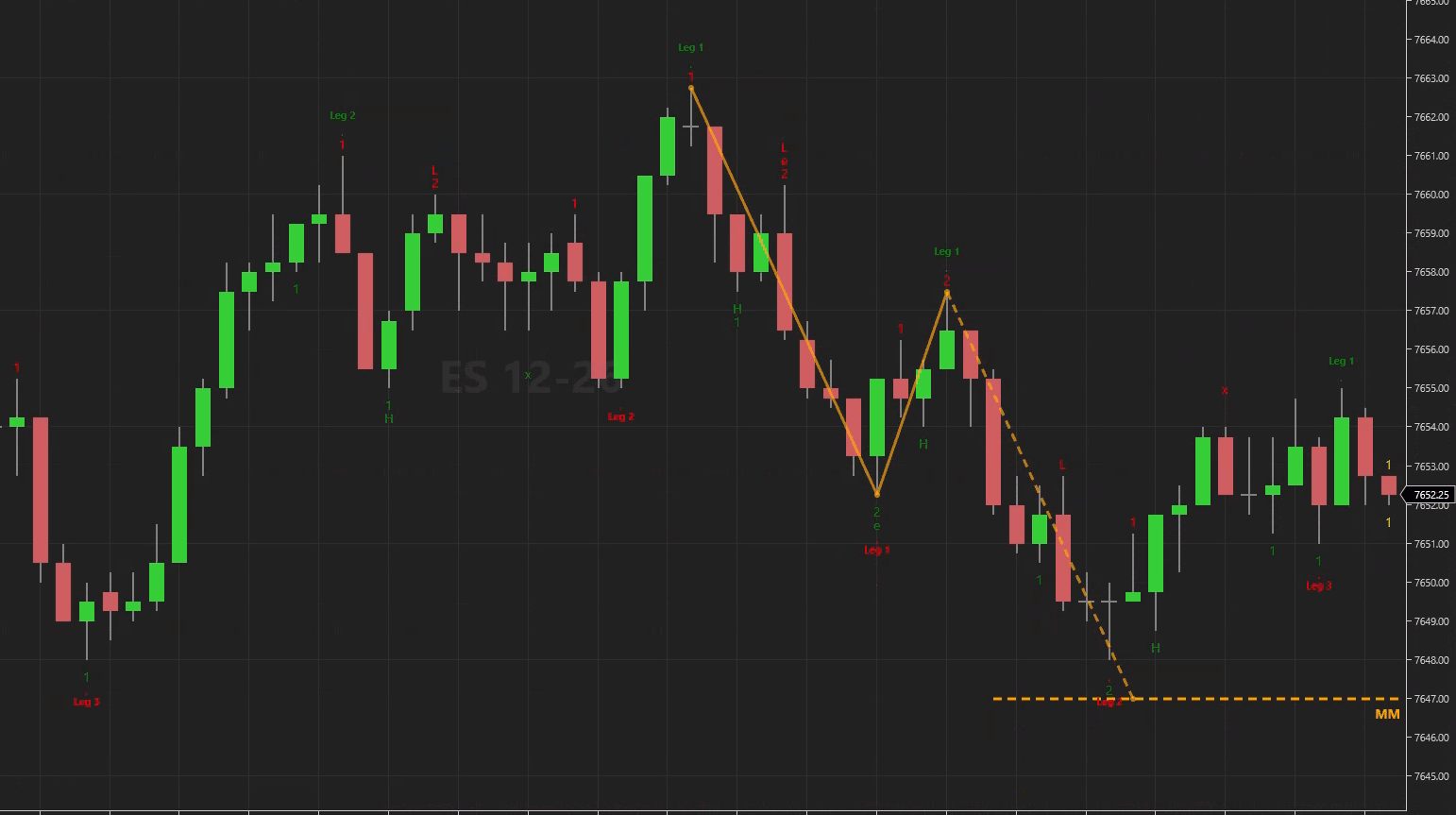
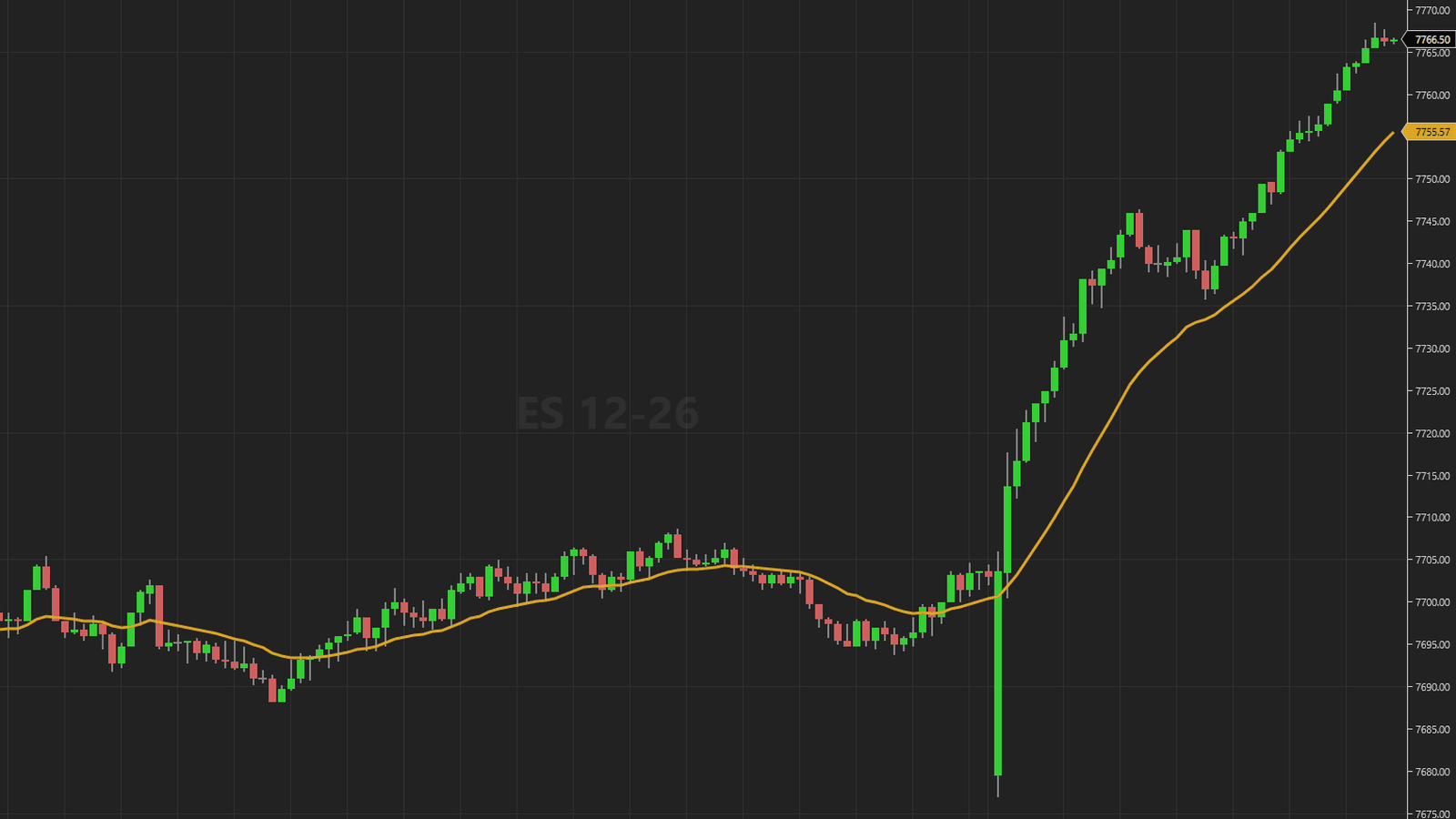
How traders measure a measured move target (leg 1 equals leg 2, projected from the pullback), what a year of ES data showed about it, and how to use the level to plan a trade instead of predicting one.
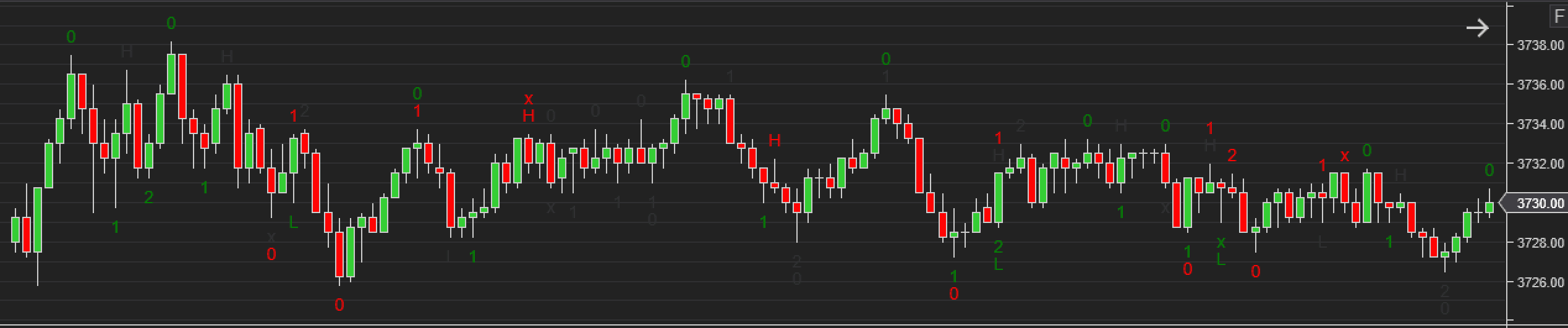
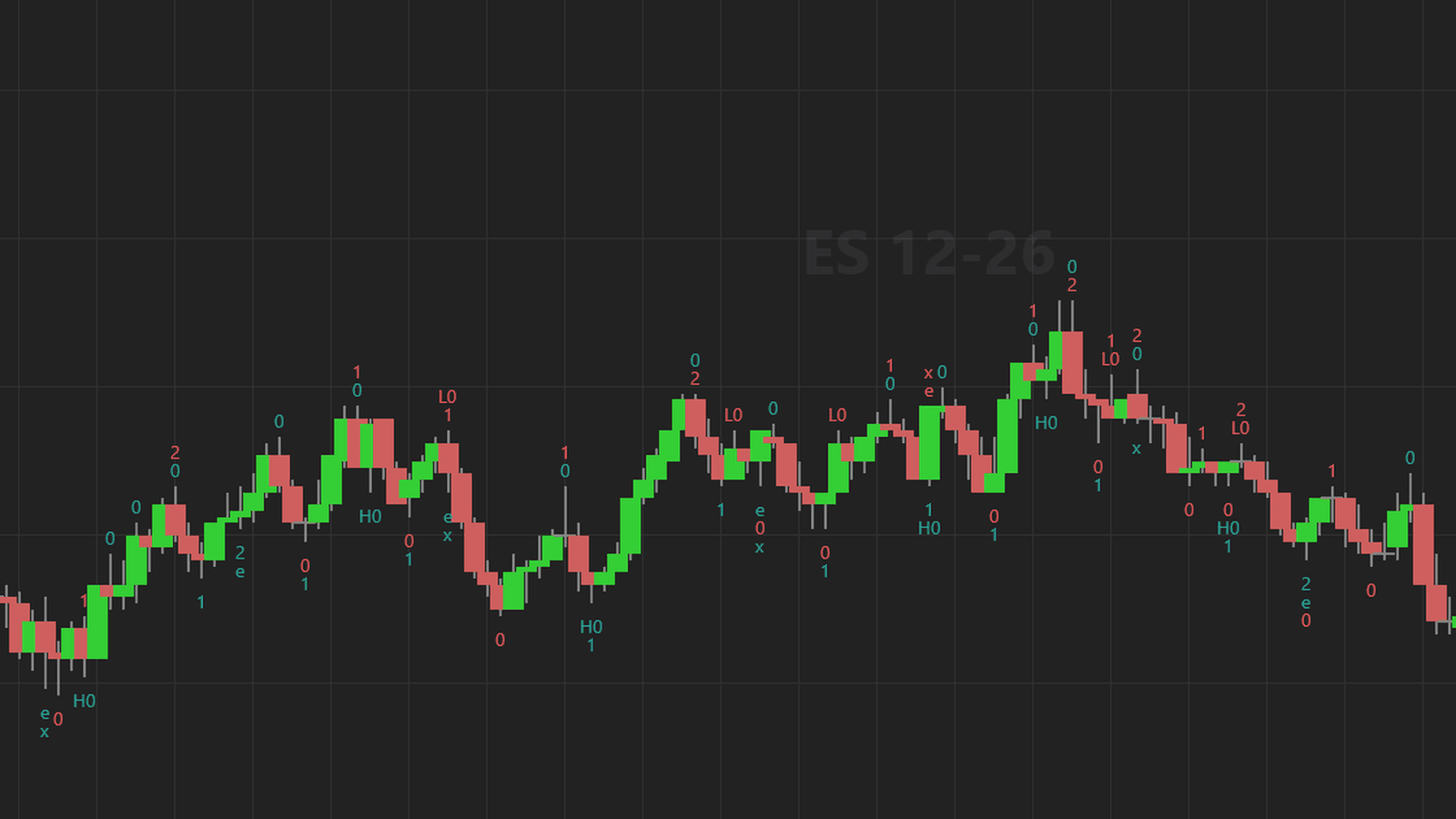
WiSE 2.04.0 draws a measured move target on each second entry from the same swings it uses for the entry. Also new: trend leg numbers, a stricter second entry rule, calculation on a higher timeframe, a chart panel and seven chart templates.
You left a bracket working, shut NinjaTrader down, and came back to a position you never took. It is not a bug. On the NinjaTrader connection the orders live at the exchange, but the link between them lives on your PC. How to check your connection and what to do before you close.
The order type for an entry at a price level is decided by geometry, not preference, and the correct answer flips the moment the level crosses the market. What NinjaTrader 8 does, what it will not do for you, and how the rule is written in code.
The built-in Swing indicator has one setting and four behaviours the properties window never mentions, including a confirmation delay and a Calculate mode you cannot change. Read from the shipped NinjaScript.
Counted with the rule our second entry video teaches, a second entry appears 2.27 times per regular session on MES, and 8.8% of sessions have none. Measured across 128,693 five minute bars from 2020 to 2026, with the definition and the script stated in full.
The Calculate dropdown decides when your indicator recalculates, and it does something different on historical bars than it does live. What the three settings do, where Tick Replay fits, and the four things that go wrong when you have it backwards.
NinjaTrader 8 can make a working order follow an indicator plot. The exact steps, the four limits traders hit once they start using it, and what a one click version has to get right.
There is no fixed MES equivalent of an ES 2000-tick chart. What a tick actually counts, why the right MES setting drifts, and how to keep your chart matched to the ES structure you trade.
Why price action setups fire too often, the filters that cut the noise (bar quality, risk in ticks, wick size, structure), and how to apply them consistently on a NinjaTrader chart.
The best NinjaTrader 8 indicators for 2027, sorted by job: the free ones to master first, what Order Flow+ adds, and six checks to run before you pay for any third party tool.
A practical guide to NinjaTrader 8 ATM strategies: what they automate, what they leave manual, template tips, and how to automate order placement at indicator-defined prices.
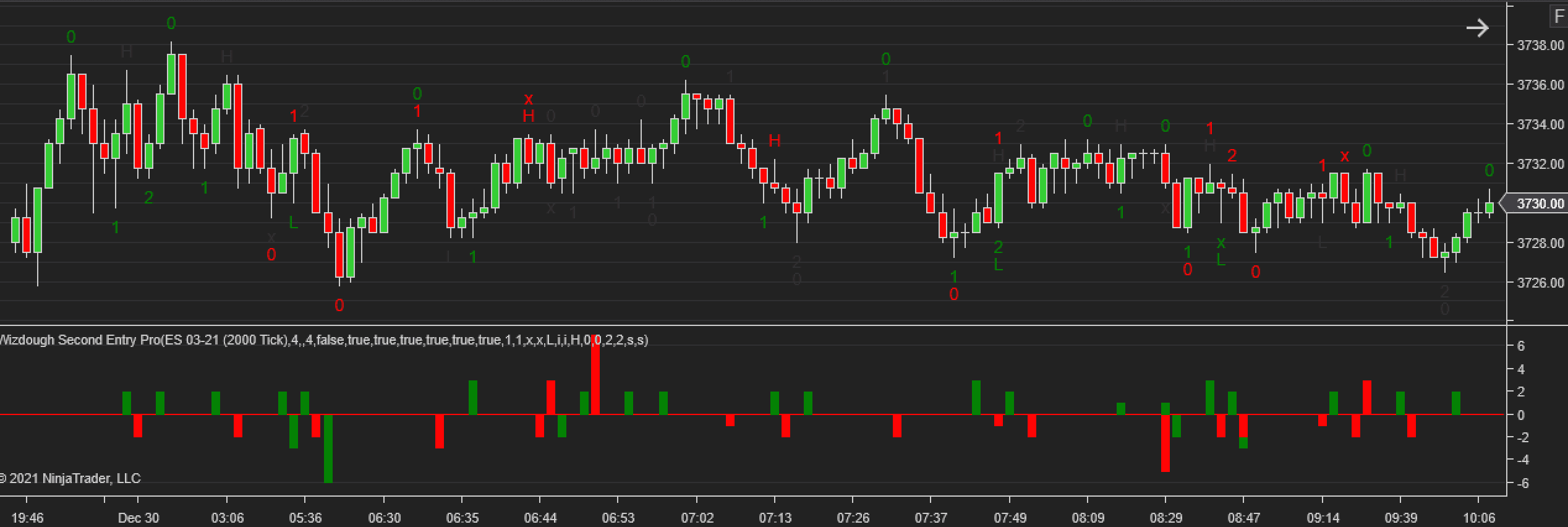
What a second entry is, how to identify one on a NinjaTrader chart, the mistakes that cost traders money, and how to get the signals marked automatically.
How tick charts differ from time-based charts, when each one earns its place, and why the same tick setting looks completely different on ES and MES, plus how to match them.