Pick a brick size
Start from the default 4/1 and change one number at a time. One way to start: take the average true range of a 5 minute chart for the instrument you trade and try half of it, in ticks, as the Brick Size. If the brick is too small, every pause prints a bar the other way. If it is too large, the chart sits still while price moves.
Read the chart
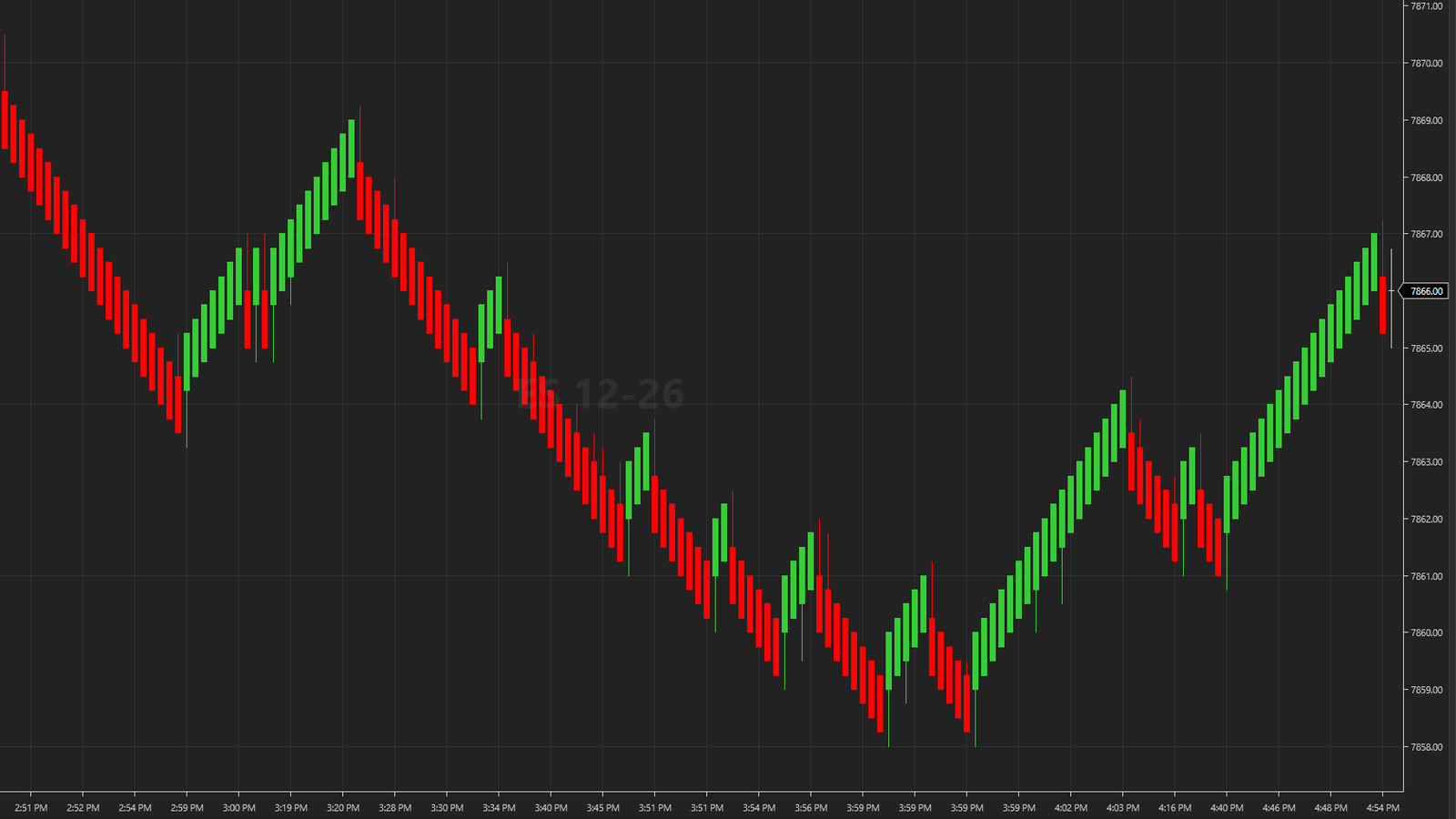
- A bar in the same direction closes Trend Threshold ticks past the last close.
- A bar the other way needs 2 x Brick Size minus Trend Threshold ticks.
- The open of each new bar is drawn Brick Size minus Trend Threshold ticks back. That drawn open gives the bar its body.
- Wicks show how far price moved while the bar was forming.
Backtests in the Strategy Analyzer
In normal mode each new bar's open is drawn Brick Size minus Trend Threshold ticks back (3 ticks at 4/1). That open is a drawn price, and it is what gives the bar its body.
Strategy Analyzer fills orders at bar opens, so with mode 2 the fills use a real price instead of a drawn one. Use 1 on charts and 2 for backtests.
With mode 2, each bar opens at the real price where it started, bodies look smaller, and the chart label adds sa: WiRenko 4/1 sa.
To use it, set Strategy Analyzer mode: 2 to 2 in the Data Series settings of your backtest.
WiRenko weekly
On your WiRenko download page you can also tick the box for the WiRenko weekly email. The download does not depend on it.
Next: questions and answers.
WiRenko
Renko bars for NinjaTrader 8, free. Free with a Wizdough account.